
VCUT Pro
Photography
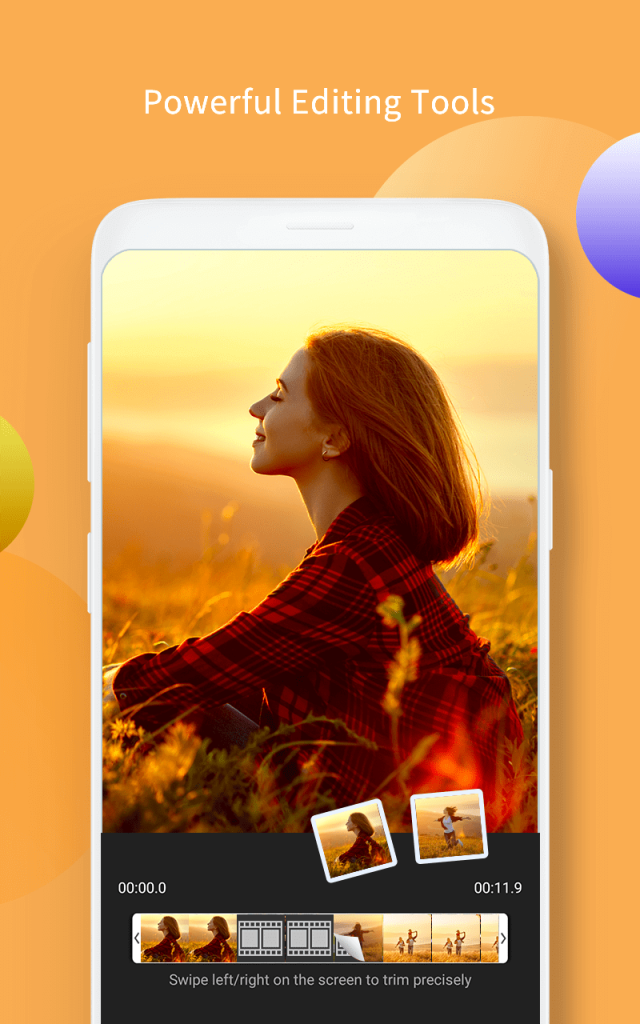
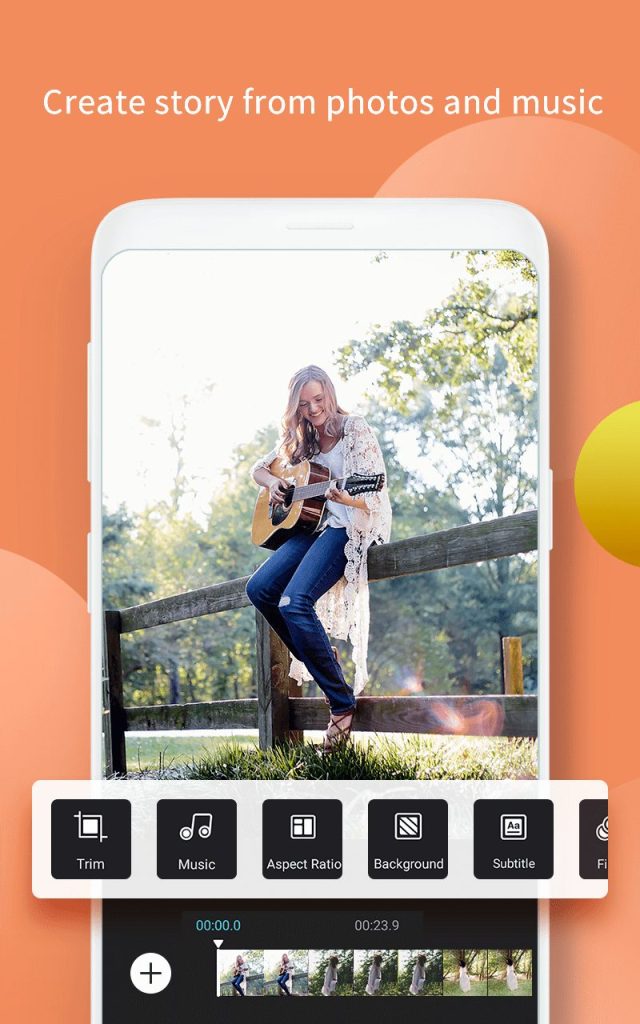

VCUT Pro is a lightweight Android video editor that lets you cut, merge, and enhance clips directly on your phone. It targets creators who need quick edits without the complexity of desktop software.
This page provides the latest APK details, a step‑by‑step install guide, common troubleshooting tips, and a quick comparison with other popular video editors.
Quick Information
| App/Game Name | VCUT Pro |
| Latest Version | 2.6.8 |
| Developer | Not listed |
| Category | Apps / Photography |
| App Size | 76.88 MB |
| Package Name | com.bestvideostudio.movieeditor |
| Last Updated | 19 January 2026 |
What Is VCUT Pro?
VCUT Pro focuses on core editing functions: trimming unwanted sections, joining multiple clips, adding background music, and applying basic filters or transitions. The interface is simple, making it suitable for beginners and casual creators who want to polish videos for Instagram, YouTube, or personal sharing.
Because the app is offered as an APK, it works on devices that may not have the official version on the Play Store. However, it does not include advanced features such as multi‑track timelines, chroma key, or built‑in stock media libraries.
Compatibility
| Android Version | ✓ Verified — 5.0 and up |
| Architecture (ARM64 / 32-bit) | Not Verified |
| Internet Connection | ✓ Verified — May be required for ads, updates, or login |
| Storage Needed | Not Verified |
| OBB/Data Files | Not Verified |
| Root Required | Not Verified |
How to Install
- Enable Install unknown apps for the browser or file manager you’ll use (Settings → Apps → Special access → Install unknown apps).
- Download the VCUT Pro APK file to your device.
- Locate the downloaded file in the notification shade or via the file manager.
- Tap the file and follow the on‑screen prompts to install.
- Once installed, open the app, grant any requested permissions (storage, media), and you’re ready to edit.
Troubleshooting
- App not installed: Ensure the APK is fully downloaded and that your device allows installations from unknown sources.
- Crashes on startup: Clear the app’s cache (Settings → Apps → VCUT Pro → Storage → Clear cache) and restart the device.
- Export fails or video is black: Verify that you have enough free storage and that the source video format is supported (MP4, MOV, AVI).
- Permissions denied: Grant storage and media permissions in the app’s settings; without them the editor cannot access your videos.
Safety & Security
VCUT Pro is distributed as an APK outside the official Play Store. Before installing, scan the file with a reputable antivirus app and review the permissions it requests. Avoid entering personal or financial information within the editor, as the source is not verified. Keep in mind that future updates from the original developer may not be automatically applied, so you’ll need to manually replace the APK when a new version appears.
How VCUT Pro Compares
| Feature | VCUT Pro | InShot | KineMaster |
|---|---|---|---|
| Price Model | Free APK (no ads listed) | Free with ads, optional subscription | Free with watermark, premium subscription removes it |
| Platform | Android only (APK) | Android & iOS | Android & iOS |
| Standout Feature | Simple trim & merge workflow | Rich sticker & text library | Multi‑track timeline & chroma key |
| Best For | Quick edits without learning curves | Social‑media creators who want effects | Advanced mobile editors needing layers |
Alternatives
If VCUT Pro doesn’t meet all your needs, consider these well‑known video editors:
- InShot – Offers a broad set of filters, stickers, and aspect‑ratio presets for social platforms.
- KineMaster – Provides multi‑track editing, chroma key, and a professional‑grade timeline.
- PowerDirector – Known for fast rendering, 4K support, and a rich effects library.
Final Verdict
VCUT Pro is a solid choice for users who need a no‑frills editor to trim, join, and add music to videos quickly. Its small size (≈77 MB) and straightforward interface make it ideal for older or low‑storage devices. Because it’s an unofficial APK, verify the file’s integrity and be prepared to reinstall after official updates. If you require advanced effects, multi‑track editing, or regular feature updates, a mainstream app like InShot or KineMaster may be a better fit.
Frequently Asked Questions
Only install the APK from a trusted source, scan it with an antivirus, and review the permissions it asks for before proceeding.
VCUT Pro runs on Android 5.0 (Lollipop) and newer, but performance improves on more recent versions.
No, all editing functions work offline; an internet connection is only needed to download the APK or export videos to cloud services.
Yes, the app does not impose a strict length limit, but very long files may affect performance on low‑end devices.
After finishing edits, tap the export button, choose the desired resolution, and the app saves the file to your device’s gallery.
The APK version does not list any in‑app purchases, but the original app on the Play Store may offer a paid upgrade.
Yes, you can replace the Play Store installation with the APK, but you may need to uninstall the Play Store version first.
Common formats such as MP4, MOV, and AVI are supported for both import and export.